Struggling with algebra, calculus, geometry, or a difficult math homework question? You no longer need to spend hours searching for formulas or figuring out where your calculations went wrong. With the right math solver app, you can take a picture of a problem and receive an answer along with an explanation of how to solve it.
Modern math-solving apps do much more than basic calculations. They can recognize handwritten equations, solve complex expressions, generate graphs, explain mathematical concepts, and help you identify mistakes in your work. Some even use artificial intelligence to answer follow-up questions and explain solutions in simpler terms.
Whether you’re a student preparing for an exam, a parent helping with homework, or someone studying advanced mathematics, there are plenty of useful options for Android and iPhone.
Here are the 10 best math solver apps worth trying, including free calculators, AI-powered homework assistants, and advanced mathematical tools.
Best Math Solver Apps at a Glance
| Math Solver App | Best For | Pricing |
|---|---|---|
| Photomath | Scanning math problems | Free, Plus available |
| Mathway | Algebra and calculus | Free, Premium available |
| Symbolab | Step-by-step solutions | Free, Pro available |
| Google Lens | Free homework help | Free |
| Gauth | AI-powered homework assistance | Free, paid features |
| Wolfram Alpha | Advanced mathematics | Free, Pro available |
| Maple Calculator | College-level mathematics | Free |
| GeoGebra | Graphing and geometry | Free |
| CameraMath | Photo-based math assistance | Free, paid features |
| Cymath | Algebra and calculus practice | Free, Premium available |
1. Photomath – Best Math Solver App for Scanning Problems
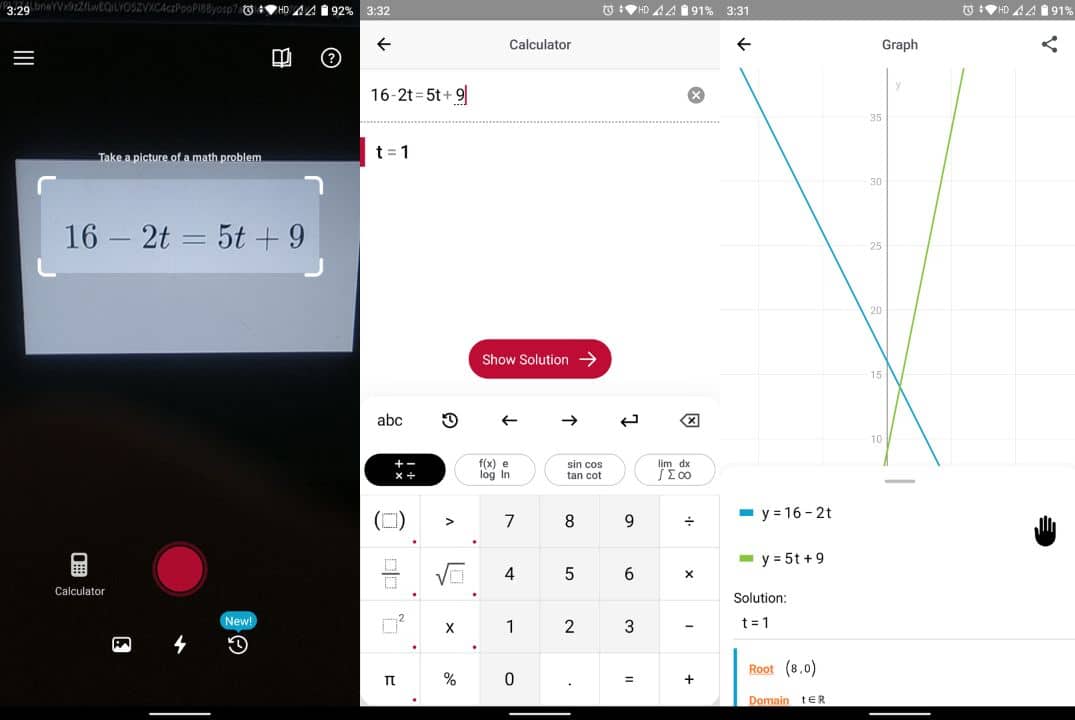
Photomath is one of the most popular apps for solving math problems using your smartphone’s camera. It is particularly useful for students who want to understand the process behind an answer rather than simply copy the result.
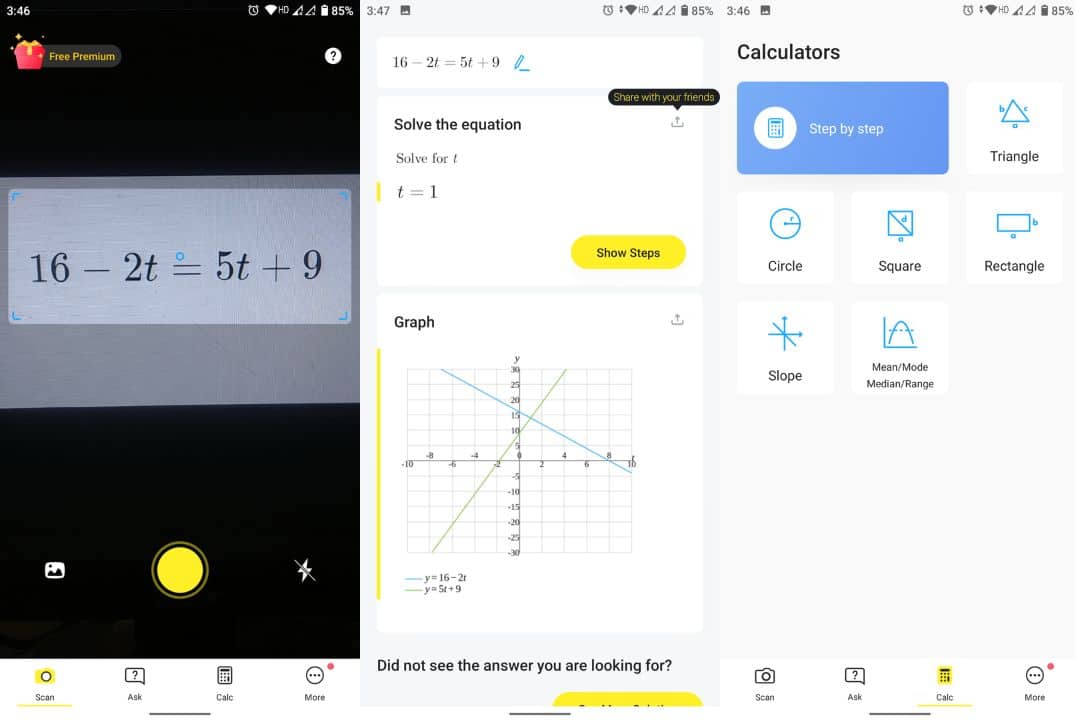
To solve a problem, open Photomath and point your camera at a printed or handwritten equation. The app recognizes the mathematical expression and displays the answer with a step-by-step explanation.
It supports a wide range of mathematical topics, including arithmetic, fractions, algebra, geometry, trigonometry, and calculus.
One of Photomath’s biggest advantages is its ability to break complicated calculations into smaller, understandable steps. For supported problems, it can also demonstrate different methods of reaching the same answer.
The free version includes core step-by-step solutions, while Photomath Plus offers additional features such as animated tutorials, contextual hints, and more detailed explanations.
Key features:
-
Scan printed and handwritten math problems.
-
Get step-by-step explanations.
-
Explore different solving methods.
-
Solve arithmetic, algebra, and calculus problems.
-
Access animated tutorials with Photomath Plus.
Best for: Students who want to solve math problems by taking pictures.
Pricing: Free, with an optional Plus subscription.
2. Mathway – Best for Algebra and Calculus
Mathway is another powerful math problem solver app that can handle everything from basic arithmetic to advanced mathematical equations.
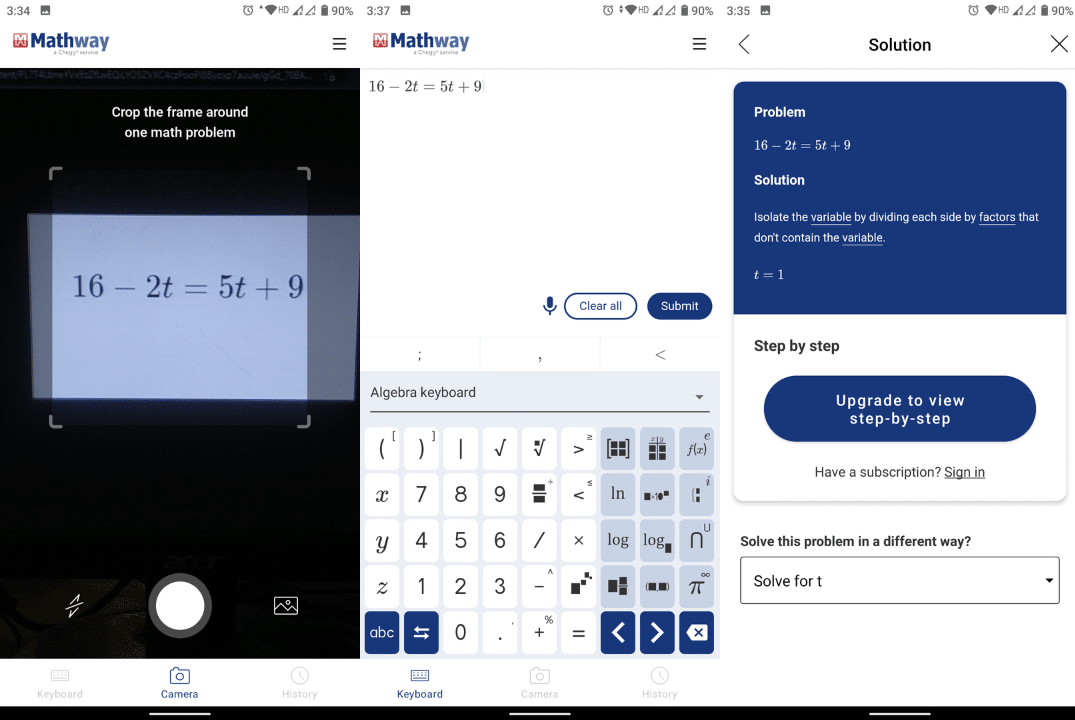
Developed by Chegg, Mathway allows users to enter questions manually or scan problems using their smartphone’s camera.
Its dedicated mathematical keyboard makes entering fractions, square roots, exponents, and complex expressions easier than using a standard smartphone keyboard.
The app covers several mathematical subjects, including basic math, algebra, trigonometry, precalculus, calculus, statistics, and linear algebra.
Mathway is particularly useful when you need to check whether your calculations are correct. It can quickly generate answers for many standard mathematical expressions and equations.
However, there is an important distinction between its free and paid versions. Although basic answers are available without payment, detailed step-by-step explanations generally require a subscription.
Key features:
-
Solve problems using your camera or mathematical keyboard.
-
Support for algebra, calculus, and statistics.
-
Handle equations, fractions, and complex expressions.
-
Access detailed solutions with a subscription.
-
Use the online calculator through a browser.
Best for: Students who regularly work with algebra, trigonometry, and calculus.
Website: Mathway
Pricing: Free, with paid step-by-step access.
3. Symbolab – Best for Step-by-Step Math Solutions
Symbolab is an excellent option for students who want detailed mathematical explanations and access to specialized calculators.
Unlike a basic calculator that only provides the final result, Symbolab is designed to demonstrate the mathematical operations involved in solving a problem.
It supports algebra, calculus, trigonometry, geometry, statistics, and other mathematical subjects.
You can enter an equation manually or use supported photo-input features to capture a problem. Symbolab then processes the expression and displays the solution.
The platform also includes a large collection of specialized calculators, including derivative calculators, integral calculators, equation solvers, and graphing tools.
This makes Symbolab especially useful for students working on advanced mathematics or preparing for examinations.
Its free version provides access to answers and some basic working, while Symbolab Pro unlocks more detailed explanations and additional learning tools.
Key features:
-
Step-by-step mathematical solutions.
-
Specialized algebra and calculus calculators.
-
Graphing and equation-solving tools.
-
Support for derivatives, integrals, and limits.
-
Practice exercises and learning resources.
Best for: Students who need detailed explanations for advanced equations.
Website: Symbolab
Pricing: Free, with an optional Pro subscription.
4. Google Lens – Best Free Math Homework Helper
Google Lens is a convenient option if you want to solve math problems without installing a dedicated math-solving app.
Available through the Google app, Lens allows you to search for information using your smartphone’s camera.
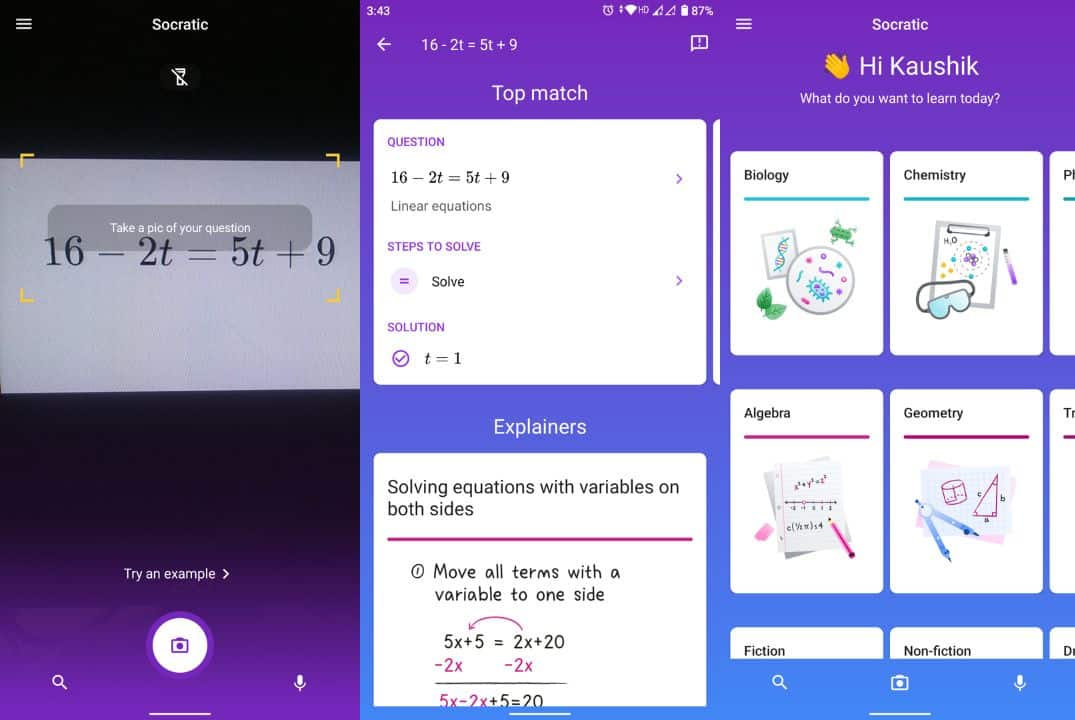
Its homework assistance capabilities can recognize mathematical expressions and help you find explanations, worked examples, and related learning resources.
To use it, open the Google app, tap the Lens icon, and capture the mathematical problem you want to solve.
Google Lens can be particularly useful for finding explanations of algebraic equations, arithmetic problems, and other school-level mathematics.
It can also help with subjects beyond mathematics, including physics, chemistry, and biology.
Unlike specialized symbolic calculators, however, Google Lens may provide educational resources or search-based explanations rather than a complete worked solution for every question.
Key features:
-
Scan mathematical problems using your camera.
-
Find explanations and related learning resources.
-
Access homework assistance without a separate paid math app.
-
Search for solutions to questions from multiple subjects.
-
Use it through the Google app.
Best for: Students looking for a free photo-based homework helper.
Download: Google App for Android | Google App for iOS
Pricing: Free.
5. Gauth – Best AI Math Homework Helper
Gauth is an AI-powered homework assistant designed to help students understand mathematical problems and other academic subjects.
Previously known as Gauthmath, the service uses artificial intelligence to interpret questions and generate explanations.
You can submit a mathematical question by typing it or uploading a picture. Gauth then attempts to provide a solution with the reasoning behind it.
Unlike traditional math calculators, Gauth can also explain concepts conversationally, making it useful when you understand the individual steps but are unsure why a particular method was used.
The platform supports algebra, trigonometry, calculus, statistics, and several other STEM subjects.
Gauth also offers access to additional tutoring services, making it more than a conventional calculator.
However, as with other AI-based homework assistants, generated answers should be checked carefully, especially for complex word problems or advanced mathematical calculations.
Key features:
-
AI-powered math problem solving.
-
Photo and text-based question input.
-
Step-by-step explanations.
-
Support for multiple academic subjects.
-
Additional tutoring assistance.
Best for: Students who prefer conversational explanations and AI-assisted learning.
Download: Official Gauth Download Page
Pricing: Free access with usage limits; paid features available.
6. Wolfram Alpha – Best for Advanced Mathematics
Wolfram Alpha is a powerful computational knowledge engine that can solve mathematical problems far beyond basic arithmetic.
It is particularly useful for college students, engineering students, researchers, and anyone studying advanced mathematical subjects.
The platform can handle algebraic equations, derivatives, integrals, differential equations, matrices, statistics, and many other mathematical operations.
You can enter a mathematical expression and receive calculated results, graphs, and related information.
Wolfram Alpha is also useful for exploring mathematical concepts that require symbolic computation rather than simple numerical calculations.
For example, you can use it to evaluate complicated integrals, solve systems of equations, or visualize mathematical functions.
The basic service provides access to computational results, while additional features such as detailed step-by-step solutions are available through paid plans.
Key features:
-
Advanced symbolic mathematics.
-
Calculus and differential equation solving.
-
Matrix and linear algebra operations.
-
Mathematical graphs and visualizations.
-
Support for statistics and scientific calculations.
Best for: College students and users working with advanced mathematics.
Download: Official Wolfram Alpha Website
Pricing: Free basic access, with Pro subscriptions available.
7. Maple Calculator – Best Free App for College Mathematics
Maple Calculator is a capable mathematics app developed by Maplesoft.
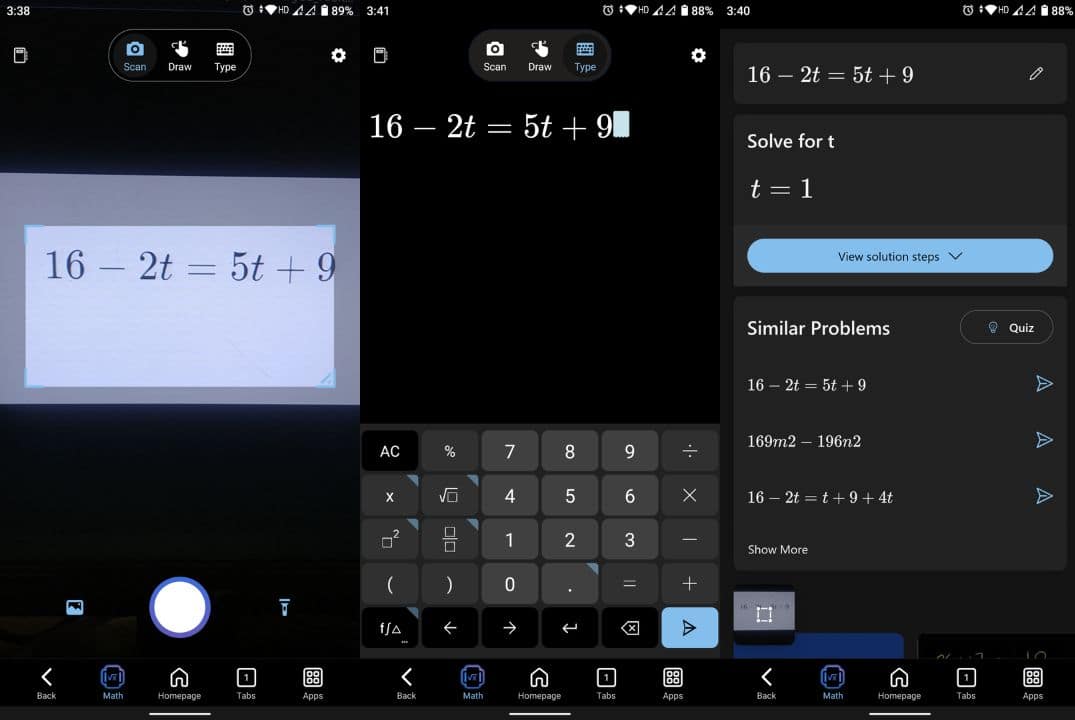
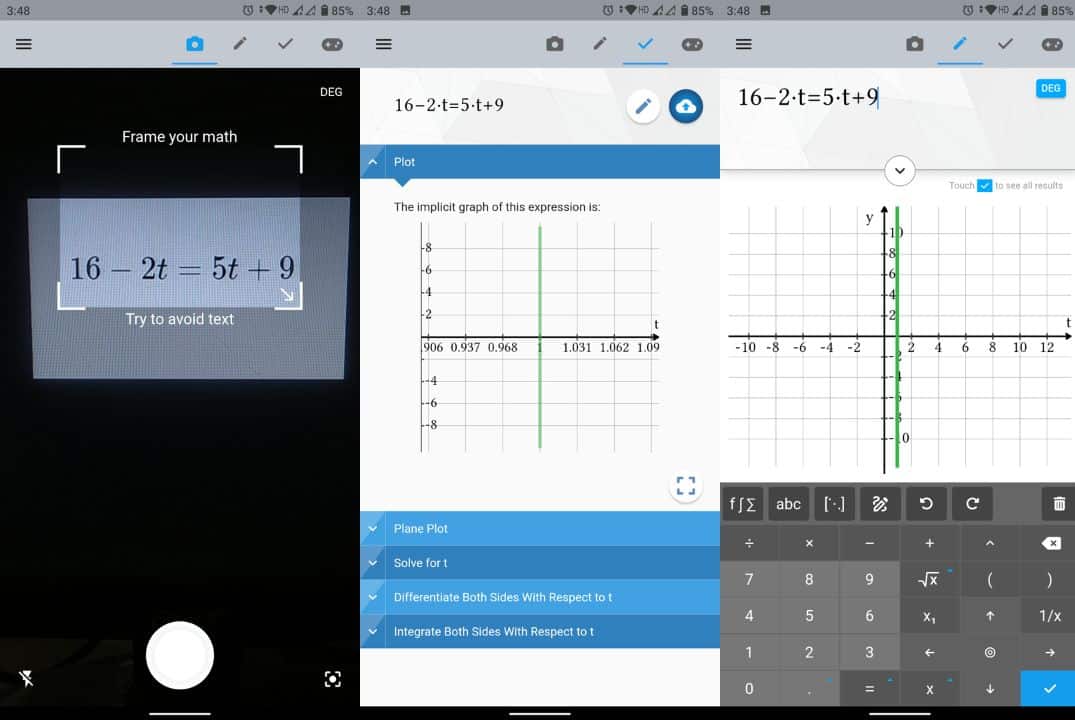
It combines a scientific calculator, symbolic mathematics engine, graphing tools, and photo-based problem recognition.
You can enter a mathematical expression manually or capture it using your smartphone’s camera.
The app supports several advanced topics, including algebra, precalculus, calculus, linear algebra, and differential equations.
One of its useful features is the ability to visualize mathematical expressions through 2D and 3D graphs.
Students can use Maple Calculator to check their answers, explore mathematical functions, and work with equations that are difficult to solve using an ordinary calculator.
It also integrates with the broader Maple mathematics environment, making it useful for users who already work with Maple software.
Key features:
-
Camera-based mathematical input.
-
Symbolic equation solving.
-
Support for calculus and linear algebra.
-
2D and 3D graphing capabilities.
-
Integration with Maple software.
Best for: College students studying calculus, engineering mathematics, and linear algebra.
Download: Maple Calculator for Android and iOS
Pricing: Free.
8. GeoGebra – Best Free Math App for Graphing and Geometry
GeoGebra is a mathematical learning platform that combines graphing, geometry, algebra, and other mathematical tools.
Unlike many photo-based math solvers, GeoGebra focuses heavily on helping users visualize mathematical concepts.
Its Calculator Suite includes graphing, geometry, 3D graphing, computer algebra, and probability tools.
For example, you can enter a mathematical function and instantly visualize its graph. You can also investigate how changing variables affects the shape of a curve.
This makes GeoGebra particularly useful for understanding quadratic equations, coordinate geometry, trigonometric functions, and calculus.
The platform is widely used in educational settings because it allows students to explore mathematical concepts interactively rather than simply viewing a final answer.
GeoGebra is not primarily designed as a camera-based homework solver, but it is an excellent companion to apps such as Photomath and Symbolab.
Key features:
-
Interactive mathematical graphing.
-
2D and 3D geometry tools.
-
Algebra and calculus calculators.
-
Probability and statistics tools.
-
Free mathematical learning resources.
Best for: Students who want to visualize equations and understand geometry.
Download: GeoGebra Apps for Android and iOS
Pricing: Free.
9. CameraMath – Best for Photo-Based Math Assistance
CameraMath is designed for students who want to solve mathematical questions by capturing them with a smartphone camera.
The app allows you to photograph a question or upload an existing image from your gallery.
After identifying the problem, CameraMath attempts to generate an answer along with an explanation.
It supports various mathematical topics, including arithmetic, algebra, and calculus.
CameraMath also provides AI-powered homework assistance, making it useful for students who need additional help understanding mathematical questions.
Its camera-based interface is particularly convenient when working with printed worksheets or textbook problems.
However, some advanced explanations and additional assistance features may require a paid subscription.
Key features:
-
Scan math questions using your smartphone camera.
-
Upload existing images.
-
Get explanations for supported problems.
-
Access AI-powered homework assistance.
-
Solve questions across multiple mathematical topics.
Best for: Students who frequently work with photographed homework questions.
Pricing: Free, with paid features available.
10. Cymath – Best for Algebra and Calculus Practice
Cymath is a straightforward math solver that focuses on helping students work through algebra and calculus problems.
It offers a simple interface where you can enter mathematical expressions and receive solutions.
The app supports topics such as equation solving, factoring, simplification, differentiation, and integration.
One of Cymath’s advantages is its relatively uncomplicated interface. You do not need to navigate through multiple menus to begin solving a question.
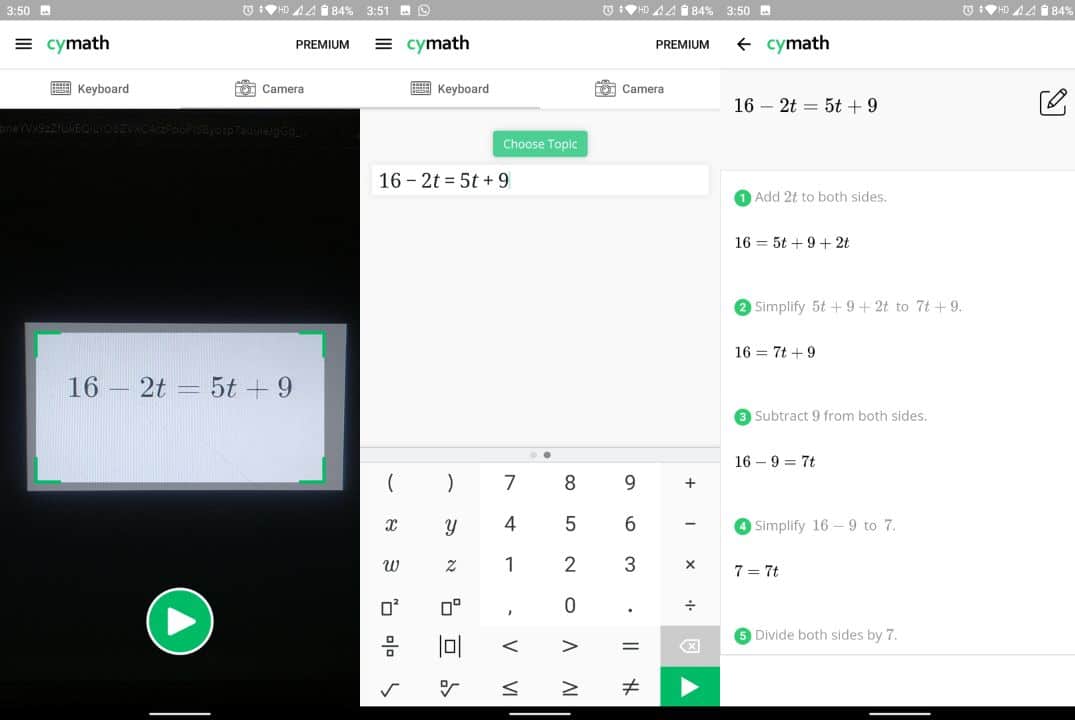
It also provides step-by-step explanations that can help students identify where they made a mistake.
For additional functionality, Cymath offers a Premium subscription with enhanced explanations and other features.
Although it does not offer the same range of advanced computational capabilities as Wolfram Alpha, it remains useful for everyday algebra and introductory calculus practice.
Key features:
-
Algebra and calculus problem solving.
-
Step-by-step explanations.
-
Support for factoring and simplification.
-
Derivatives and integrals.
-
Simple mathematical input interface.
Best for: Students who want a straightforward algebra and calculus solver.
Website: Cymath
Pricing: Free, with an optional Premium subscription.
Which Math Solver App Should You Choose?
The best math solver app depends on the type of problems you want to solve and how you prefer to learn.
If you primarily want to scan printed or handwritten equations, Photomath is a convenient starting point. Its free core step-by-step solutions are particularly useful for school-level mathematics.
For students working with algebra and calculus, Mathway and Symbolab offer dedicated mathematical calculators and structured solutions.
If you prefer AI-powered explanations, Gauth can help you understand problems through more conversational guidance.
For advanced mathematical calculations, Wolfram Alpha and Maple Calculator provide powerful computational capabilities.
Meanwhile, GeoGebra is particularly useful for graphing, geometry, and visualizing mathematical concepts.
Students looking for a free homework assistance tool can also try Google Lens.
Ultimately, using two complementary tools can be more useful than relying on a single app. For example, you might use Photomath to understand the solving process and GeoGebra to visualize the resulting equation.
How to Solve Math Problems Using Your Phone Camera
Most photo-based math solver apps follow a similar process.
-
Download a math solver app such as Photomath or Mathway.
-
Open the app and allow camera access.
-
Position your phone so the complete mathematical problem is visible.
-
Capture the equation or select an existing image.
-
Check that the app has recognized the expression correctly.
-
View the answer and available step-by-step explanation.
For better results, make sure the image is clear, well-lit, and free from unnecessary background text.
If the problem contains fractions, exponents, or handwritten symbols, verify that the app has interpreted them correctly before relying on the answer.
Are AI Math Solver Apps Always Accurate?
No. Although modern math solver apps can solve many mathematical problems correctly, they are not completely error-free.
Camera-based apps may misread handwritten symbols, while AI-powered tools can occasionally produce incorrect calculations or explanations.
For example, an app might confuse the multiplication symbol with the letter x or misinterpret a handwritten exponent.
Similarly, complicated word problems may contain assumptions or conditions that an AI tool overlooks.
For important assignments, verify the result using another calculator or solve the problem manually.
Math solver apps are most useful when they help you understand the method rather than simply provide an answer.
Frequently Asked Questions
What is the best app to solve math problems by taking pictures?
Photomath is a strong option for solving math problems using your phone’s camera. It recognizes printed and handwritten equations and provides step-by-step solutions for supported mathematical topics. Mathway and CameraMath are additional options.
Is there a completely free math solver app?
Google Lens and GeoGebra offer free mathematical assistance. Photomath also provides core step-by-step solutions without requiring its Plus subscription. Some advanced features in other math solver apps require payment.
Which math solver app is best for calculus?
Symbolab, Wolfram Alpha, Maple Calculator, and Mathway support calculus problems. They can help with derivatives, integrals, limits, and other advanced mathematical operations.
Can math solver apps solve handwritten equations?
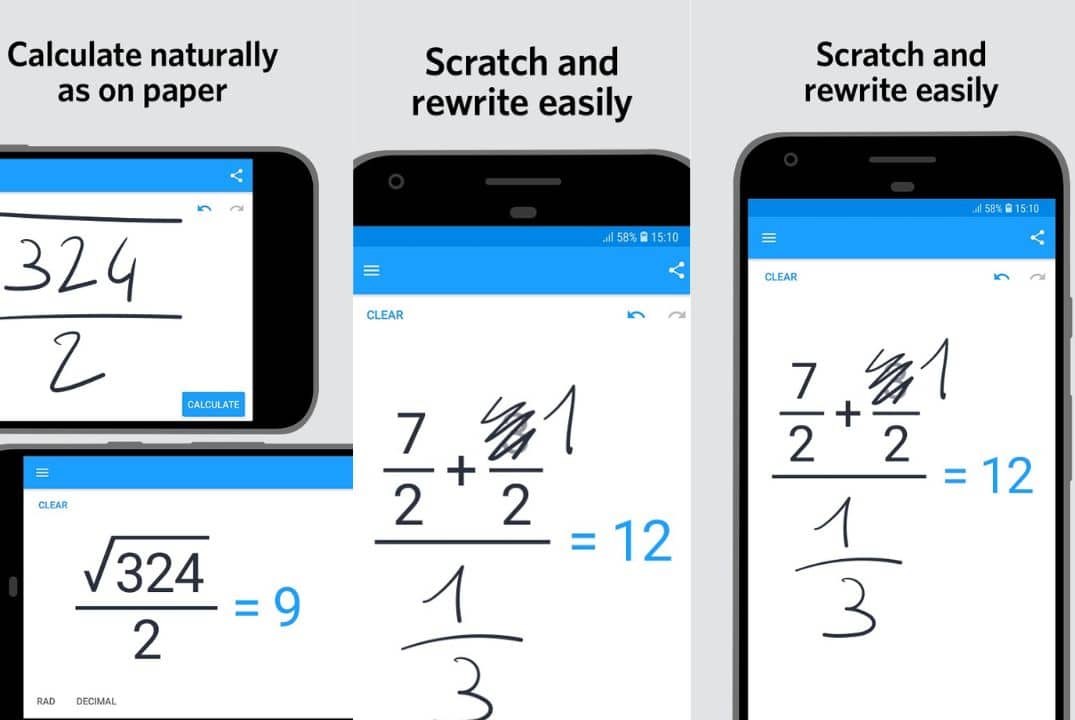
Yes. Apps such as Photomath, Mathway, and Maple Calculator can recognize supported handwritten mathematical expressions. However, recognition accuracy depends on handwriting quality, image clarity, and the complexity of the equation.
Conclusion
Math solver apps have made it easier to learn mathematics, check homework, and understand difficult equations without spending hours searching for explanations.
Photomath is a useful starting point for camera-based problem solving, while Symbolab and Mathway provide dedicated tools for algebra and calculus. Students studying advanced mathematics can explore Wolfram Alpha and Maple Calculator, while GeoGebra offers excellent tools for visual learning.
If you prefer AI-powered assistance, Gauth provides another way to explore mathematical concepts and understand solving methods.
Whichever app you choose, focus on understanding the steps behind each answer. That way, these tools can help you improve your mathematical skills rather than simply complete your homework.